In chrome you can rely on dev tools to do a lot of things, one of them is mocking / overriding the http response value.
- Go to network tab, find the http request you want to override. ( you can goto https://httpbin.org/ to try this out )
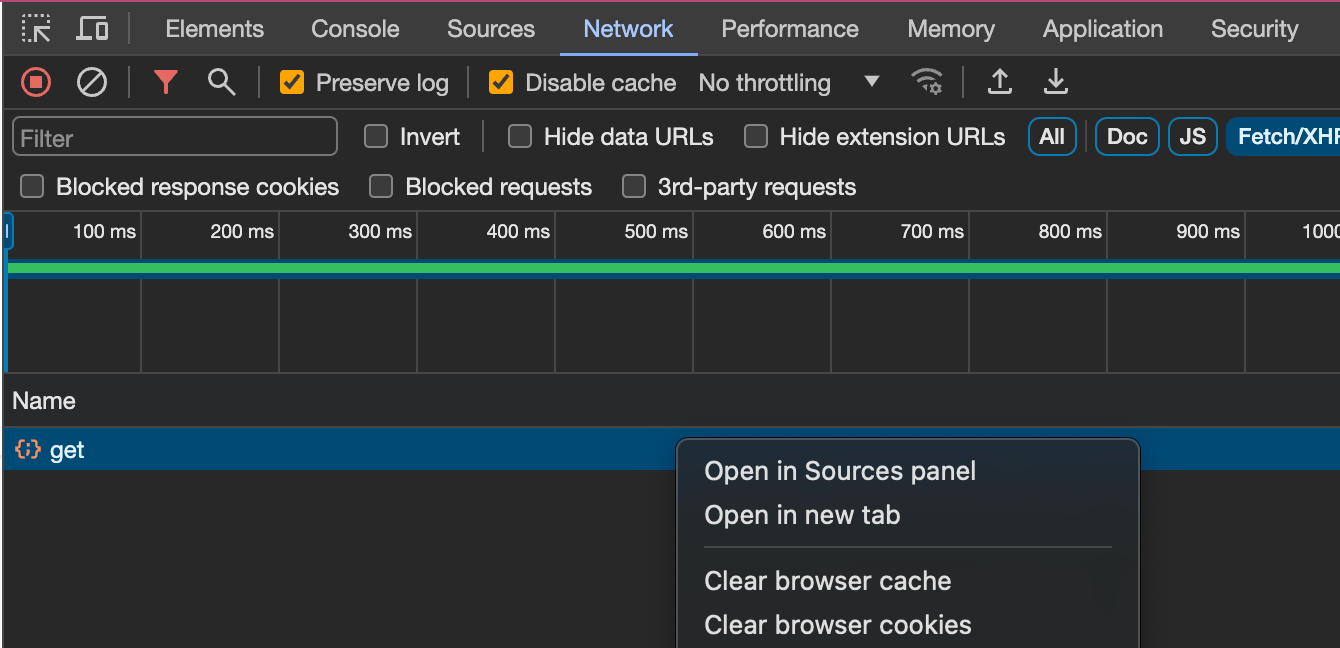
- Right click on the request and click open in sources panel.
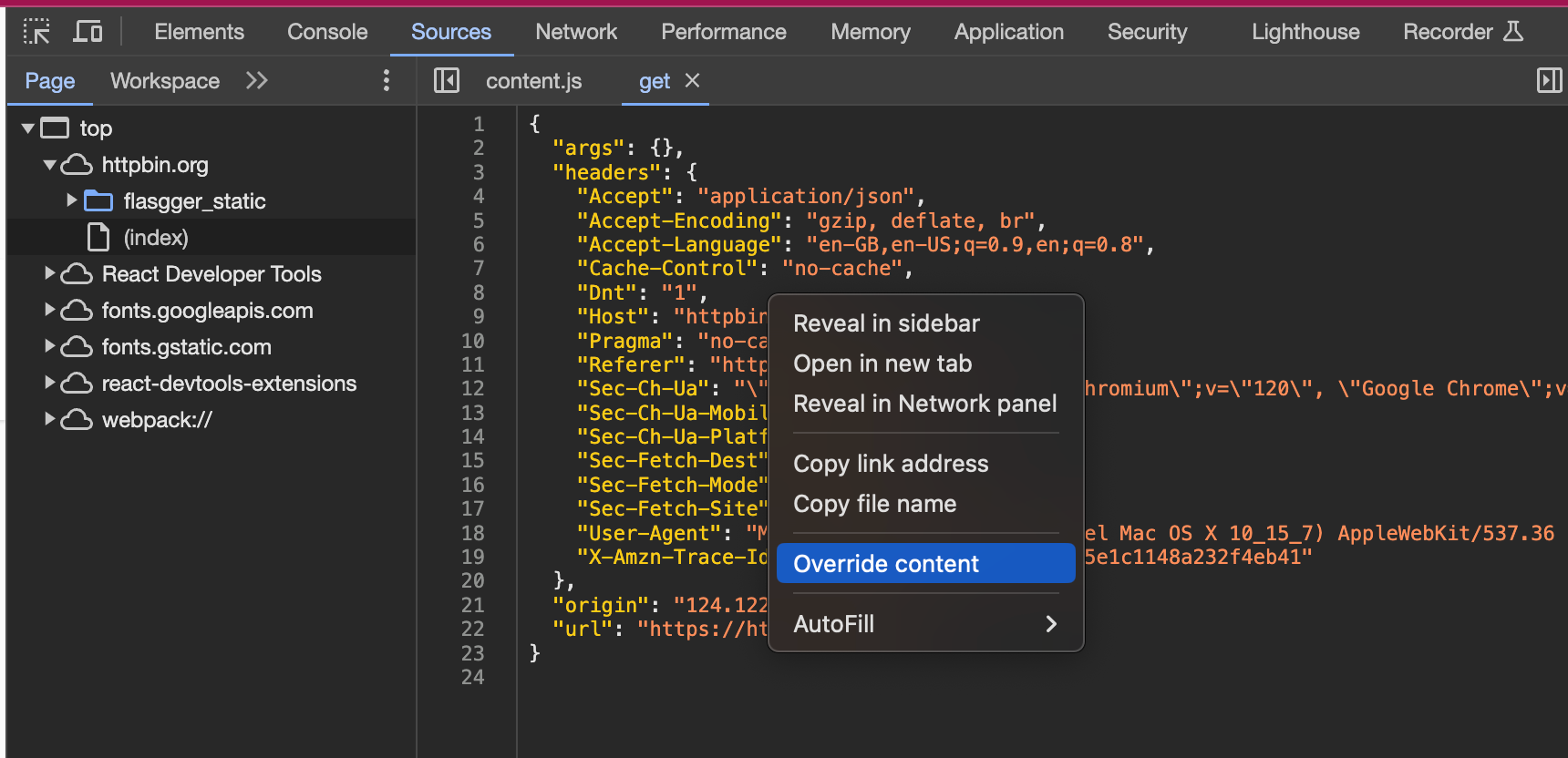
- Click on the source and click override content.
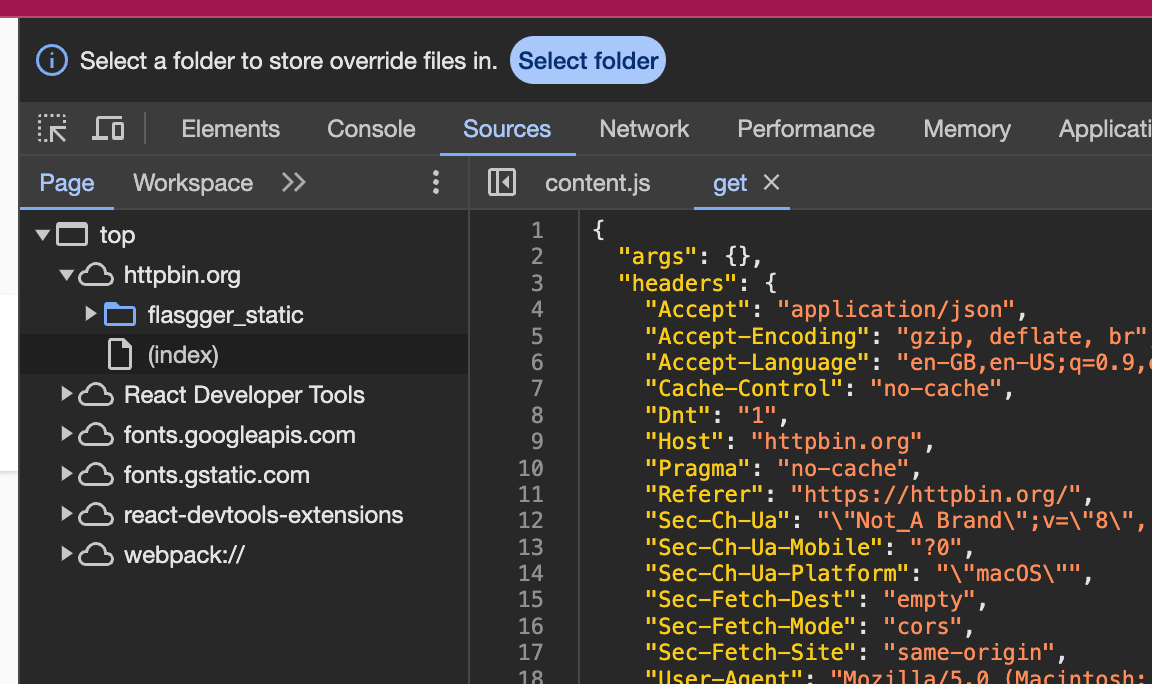
- On the top it will show select a folder to store override files in, click select folder.
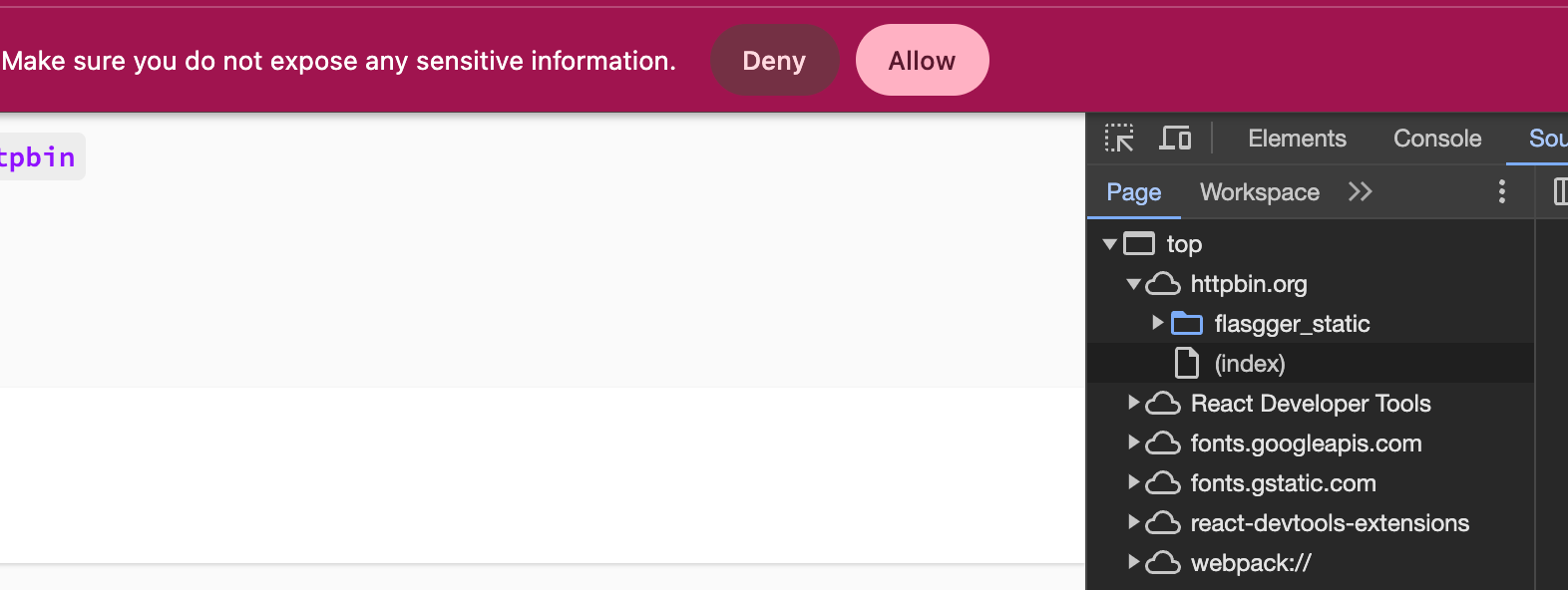
- Select the folder and click allow on the prompt.
- Your sources tab will have updated source with the folder open and enable local overrides checked.
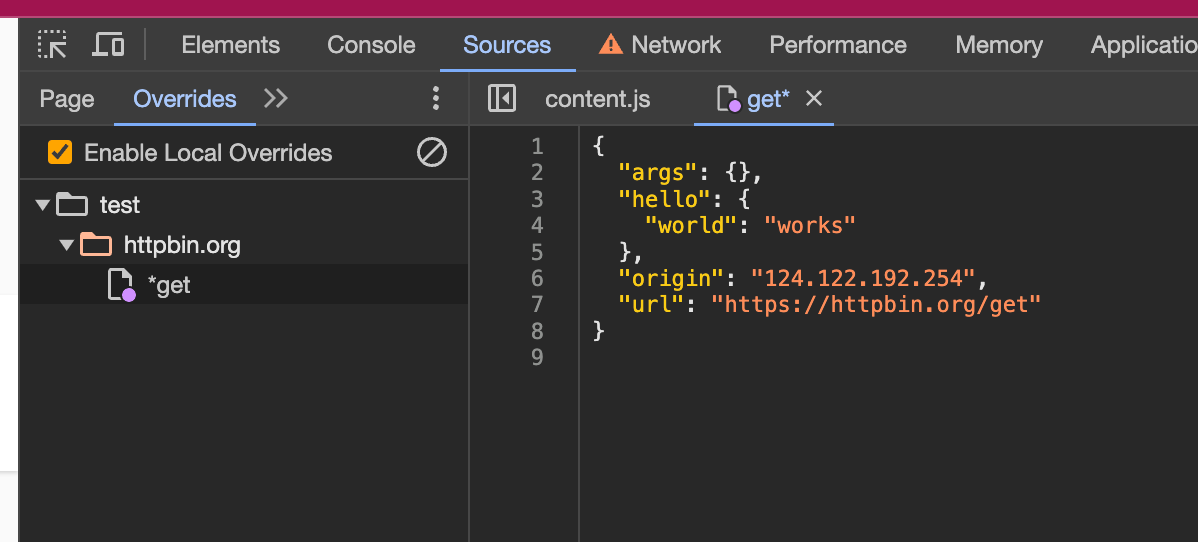
- Edit the value and refresh the page / reload the request, It will use the overriden values.
